Lesson 2 / 2 in Data & Analytics
How to Set Up Apple Search Ads Without Wasting Money — Why You Should Turn Off Apple's Automation and Start Narrow
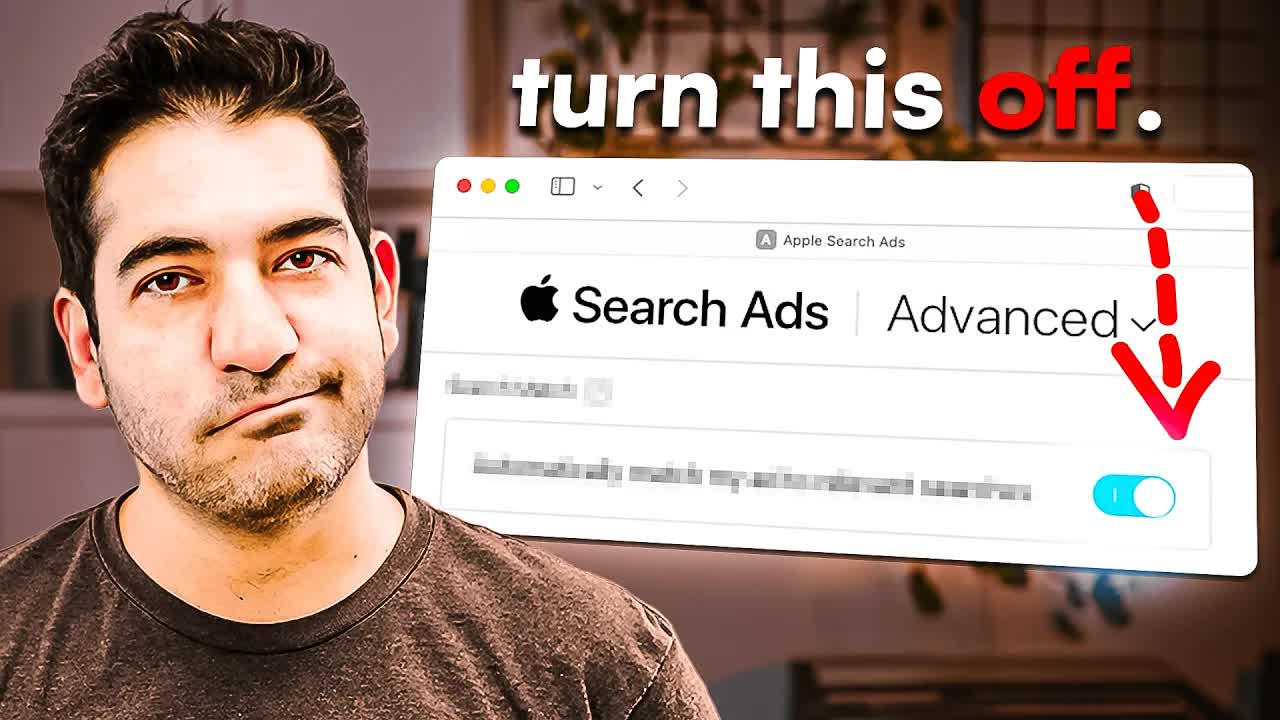
TL;DR
Simply turning off Apple's auto-matching and Broad Match, narrowing keywords to Exact Match, and limiting audience to New Users can dramatically reduce ad waste in Apple Search Ads Advanced campaigns.
How to Set Up Apple Search Ads Without Wasting Money — Why You Should Turn Off Apple's Automation and Start Narrow
One-Line Summary
Simply turning off Apple's auto-matching and Broad Match, narrowing keywords to Exact Match, and limiting audience to New Users can dramatically reduce ad waste in Apple Search Ads Advanced campaigns.
Key Numbers & Data
| Metric | Value | Context |
|---|---|---|
| Irrelevant Percentage of Apple-Suggested Keywords | 80-90% | With Search Match on, most ad spend goes to keywords unrelated to your app |
| Example Daily Budget | 50 USD/day (~1,500 USD/month) | Divide monthly budget by 30 for daily budget as a baseline |
| Recommended Starting Max CPT | 1 USD | Starting at 1/4 of Apple's suggested 4 USD |
| Cross-App Targeting Minimum Users | 5,000 | Minimum group size required for 'Users of my other apps' targeting |
| Potential Ad Spend Savings | Up to 50%+ | Targeting optimization can achieve same downloads at half the cost |
Background: Why This Matters
Apple Search Ads (ASA) Advanced campaigns have many configuration options that feel overwhelming at first. But the automation features Apple enables by default — Search Match, Broad Match, all-user targeting — are actually the main culprits behind wasted ad spend. The core principle is simple: turn off Apple's automation, start narrow, and widen based on data.
Key Person Background: Ariel Michaeli co-founded Appfigures in New York in 2009 with his brother Oz Michaeli. He bootstrapped the app analytics platform to over 250,000 users without any external investment.
Market Environment: In 2024, the US ASA Search Results average CPT was 2.50 USD, a 57% surge from 1.59 USD the previous year. Conversion rate (tap-to-install) averages 67.2%. Starting March 2026, Apple Ads will introduce multiple ad placements in search results, increasing competition further.
Key Insights
1. Choose Advanced + Search Results, and Always Separate Countries
The first decision when creating an ASA campaign is selecting Advanced mode. Choose Search Results from the 4 campaign types. A common mistake in country settings is putting all countries that speak the same language into one campaign. Since search behavior, competition, and keyword pricing differ by country, campaigns must be separated by country.
"Every country and every society has its own different sets of how to optimize and how to localize."
How to Apply: Start your first campaign targeting only your most important market (one country). Separate other countries into individual campaigns.
2. Reverse-Calculate Budget Monthly, and Manual Management Beats End Dates
The most important principle for daily budget setting is 'thinking in monthly terms.' Ending a campaign isn't 'optimization' — it's an 'exit.' Instead, keeping the campaign running while adjusting keywords, bids, and targeting in real time is more effective.
"I always multiply the daily budget by 30 because that's really the amount of money that you will be spending."
How to Apply: Set your monthly ad budget first, then divide by 30 for daily budget. Start conservatively at 10-20 USD/day.
3. How Apple's Auto Keyword Matching Wastes 80-90% of Your Ad Spend
Search Match is a feature Apple enables by default, and it's the most dangerous 'money-eating feature.' In Appfigures' actual case, 80-90% of Apple-suggested keywords were completely irrelevant — 'social media management,' 'HootSuite,' 'Instagram analytics' for an app analytics tool.
The worse problem is that these irrelevant keywords are usually more expensive. Conclusion: turn off all automation including Search Match and select keywords manually.
"If you want to make sure that your money is actually well spent on these ads turn off any sort of automations that Apple might offer you."
How to Apply: Immediately switch Search Match to OFF when creating campaigns. If it's on in existing campaigns, turn it off right now.
4. Broad Match Is Default Because It Benefits Apple — Switch to Exact Match
When adding keywords, Apple defaults the match type to Broad. With 'app analytics' on Broad Match, you'll appear for 'app' or 'analytics' or anything the language model deems similar. Apple sets Broad as default for a simple reason — it generates more ad revenue for Apple.
The most effective way to find keywords is analyzing competitor keywords. Keywords competitors 'organically optimize for' are more important than what they 'bid on,' because the former more accurately reflects real user intent.
"Apple should not turn the match type to Broad by default."
How to Apply: Change all keywords to Exact Match, and analyze the App Store pages (names, subtitles) of 3-5 competitors to build your keyword list.
Tools Mentioned:
- Appfigures - Competitor keyword research and ASA performance tracking
5. More Negative Keywords Is Always Better — You Can't Get Your Money Back
Negative keywords let you pre-block search terms you don't want ads to appear for. While keywords should be Exact Match, negative keywords are actually more effective on Broad Match.
Core principle: add as many negative keywords as possible. You can always remove them later, but money spent on wrong taps can never be recovered.
"It's easier to remove a negative keyword and spend more money than to get your money back from Apple for a tap that did nothing for you."
How to Apply: Add at least 10 representative keywords from irrelevant categories as negative keywords (Broad Match).
6. Starting Narrow and Expanding Is the Only Way to Save Money
'All Eligible Users' shows ads to everyone — existing users, users who deleted your app, and brand new users. In most cases, this is waste. New Users is the most efficient choice.
Core principle: starting narrow and expanding based on data is the only way to save money.
"If you can pay half and get the same number of downloads would you do it? All those are possible when you do targeting."
How to Apply: Change campaign Customer Type to 'New Users' and narrow age ranges to match your app's target.
7. Advanced Strategy: Run Ads Only When Organic Rankings Dip
If your app ranks in the top 5 for certain keywords, there may be time-of-day patterns where rankings rise and fall. Turn ASA off during high organic ranking hours and on during low ranking hours to maximize ad spend efficiency.
"Every time you dip you want to augment that with apple search ads so you only do Apple search ads when your app dips in organic results."
How to Apply: Monitor hourly organic ranking fluctuations for key keywords over 2 weeks, then concentrate ASA ads during ranking dip periods.
8. Spending Without Tracking Is Literally Throwing Money Away
Not tracking results while spending on ASA is literally throwing money away. ASO is free traffic, but ASA is paid traffic where every tap costs money. Track where money goes more carefully.
"This is even more important than tracking App Store optimization keyword ranks because this is something that costs you money."
How to Apply: Check the ASA dashboard at least once weekly and create a routine of organizing CPA and conversion rates per keyword in a spreadsheet.
Tools Mentioned:
- Appfigures - Unified dashboard for ASA performance and download tracking
Action Checklist
Today:
- Turn off Search Match immediately if it's on in existing campaigns
- Change all keyword match types to Exact Match
- Add at least 10 negative keywords from irrelevant categories
This Week:
- Analyze App Store pages of 3-5 competitors and build keyword list
- Narrow audience to New Users + appropriate age ranges
- Recalculate and adjust daily budget on a monthly basis
Long-term:
- Analyze hourly organic ranking fluctuation patterns for key keywords
- Implement ASO + ASA integrated ad scheduling strategy
- Establish CPA tracking routine per keyword (at least weekly)
- Separate campaigns by country and develop localization strategies
References
Related Tools
| Tool | Use Case | Pricing | Link |
|---|---|---|---|
| Appfigures | All-in-one ASO, app intelligence, and ASA tracking platform | Free (Starter) / 9.99-299.99 USD/month | Go |
| Apple Ads | Apple's official advertising platform | CPC (pay per tap) model | Go |
| AppTweak | ASO + Apple Ads integrated analysis platform | From 83 USD/month (Essential) | Go |
Related Resources
- AppTweak Apple Ads Benchmarks 2025 (Article)
- SplitMetrics Apple Ads Search Results Benchmarks 2025 (Article)
- Apple Ads Official Campaign Creation Guide (Article)
Questions to Consider
Is Search Match turned on in your current campaigns? If so, how much money has leaked to irrelevant keywords so far?
Can you clearly define the age range, gender, and usage time patterns of users who would use your app?
Are you tracking actual downloads versus ad spend per keyword? Or do you just occasionally check the Apple dashboard?
Key Takeaways
- 1Turn off Search Match immediately if it's on in existing campaigns
- 2Change all keyword match types to Exact Match
- 3Add at least 10 negative keywords from irrelevant categories
- 4Analyze App Store pages of 3-5 competitors and build keyword list
- 5Narrow audience to New Users + appropriate age ranges
- 6Recalculate and adjust daily budget on a monthly basis
- 7Analyze hourly organic ranking fluctuation patterns for key keywords
- 8Implement ASO + ASA integrated ad scheduling strategy
- 9Establish CPA tracking routine per keyword (at least weekly)
- 10Separate campaigns by country and develop localization strategies
Want to read this later?
Save this insight to access it anytime